Last updated: May 13, 2026
ClipGarage Tutorial
Watch our product demo to learn how to use ClipGarage effeciently.
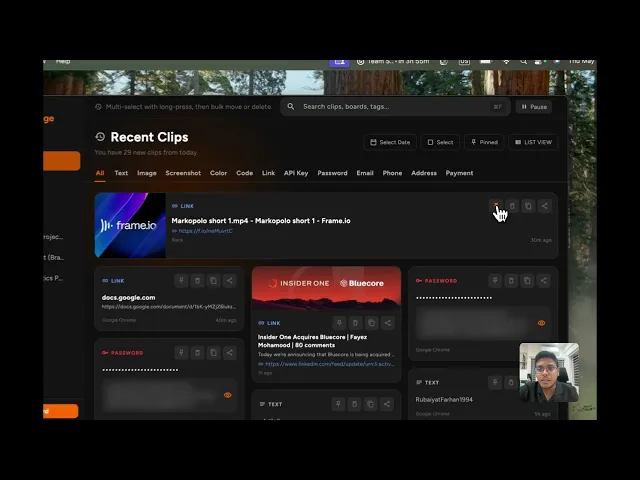
How to find copied items in the ClipGarage app?
Learn how to quickly find copied text, links,
images, and code snippets inside ClipGarage.
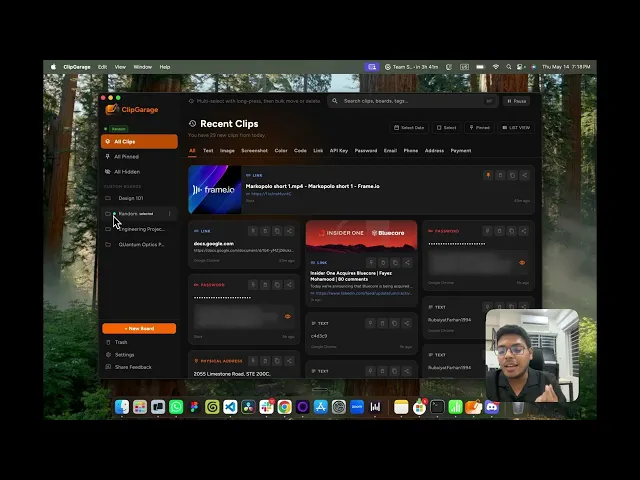
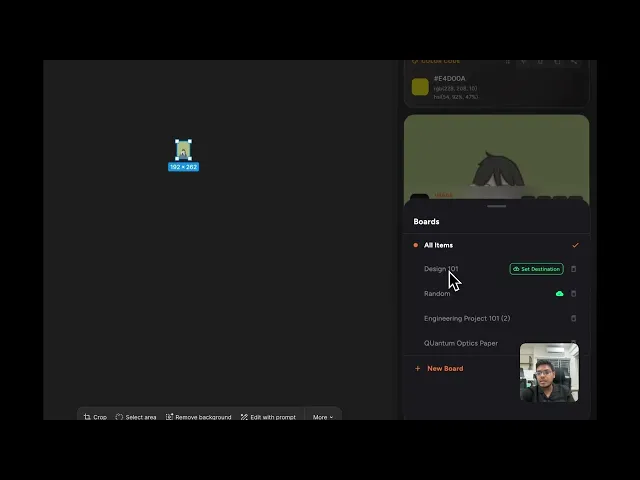
How to create a custom board & set as destination?
Organize your copied content better by creating custom boards and setting default destinations in ClipGarage.
How to use the ClipGarage widget?
Access your clipboard history instantly using the ClipGarage widget on macOS.
How to use quick search?
Search through your clipboard history instantly with ClipGarage quick search.
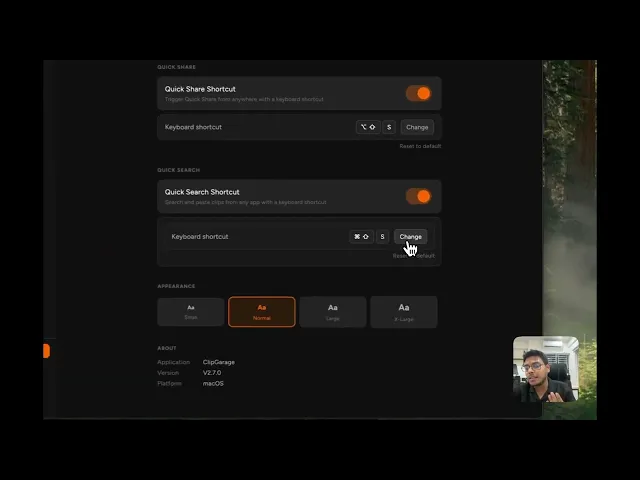
How to use quick share?
Share copied content across apps faster using ClipGarage quick share.
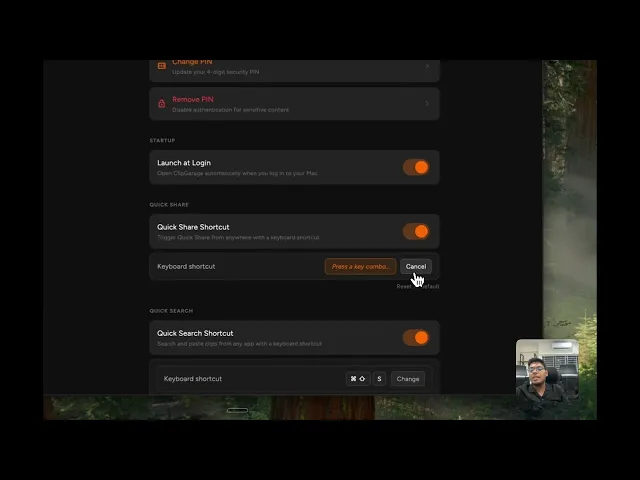
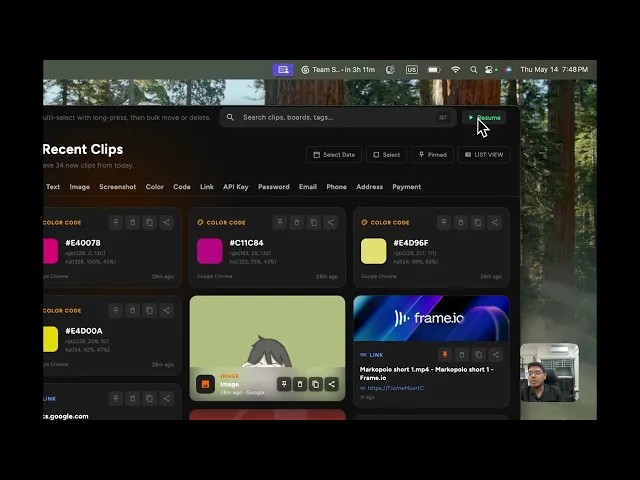
How to pause and start copying in ClipGarage?
Control when ClipGarage saves your copied content with pause and resume options.
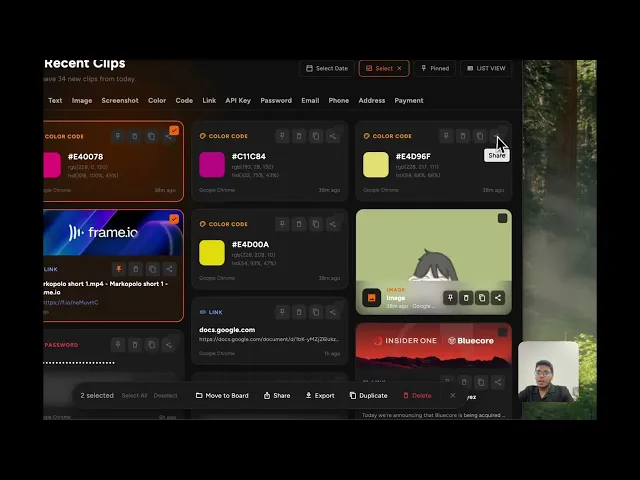
How to execute bulk functions?
Manage multiple clips at once with bulk actions inside ClipGarage.